

Portable Charging Setup Guide for Travel
You’ve just landed after a long flight, ready to navigate a new city, but your iPhone is at 5% battery. Your AirPods are dead, and your Apple Watch barely made it through security. Sound familiar? For tech travellers, running out of power at critical moments isn’t just inconvenient—it’s stressful. This guide shows you how to build an efficient portable charging setup that keeps your Apple devices powered throughout your journey whilst extending battery lifespan by up to 20%.
Table of Contents
- What You’ll Need Before Starting Your Portable Charging Setup
- Choosing The Right Power Bank For Your Apple Devices
- Selecting Travel Adapters And Multi-Device Chargers For Global Use
- Managing Cables And Accessories For Maximum Portability
- Step-By-Step Setup Process For Efficient Charging On The Go
- Common Mistakes And Troubleshooting Charging Issues
Key takeaways
| Point | Details |
|---|---|
| Essential gear | Select a 10,000–20,000mAh USB-PD power bank, multi-port travel adapter with surge protection, and MFi-certified cables for safe, fast charging. |
| Setup assembly | Assess device count, connect certified cables to USB-PD power bank, plug into surge-protected adapter, and prioritise charging order for efficiency. |
| Battery health | Avoid overnight charging with power banks and monitor device temperature to reduce degradation risk by 30% and extend lifespan up to 20%. |
| Troubleshooting | Use only certified cables, never overload adapters, pause charging if devices overheat, and replace damaged cables immediately. |
| Performance targets | Aim for 2-hour iPhone full charge via USB-PD, keep total setup weight under 1.5 pounds, and expect 40% fewer charging interruptions. |
What you’ll need before starting your portable charging setup
Before you assemble your charging system, gather the right components. You’ll need a high-capacity power bank, a versatile travel adapter, and Apple-compatible cables that won’t compromise device safety.
Understanding Apple’s charging protocols is crucial. USB Power Delivery (USB-PD) enables fast, efficient charging for iPhones, iPads, and MacBooks, delivering optimal power without overheating. Lightning cables remain the standard for most iPhones and accessories, whilst newer devices support USB-C connections.
Your travel scenario influences your gear choices. Global travellers need adapters compatible with US, UK, EU, and other plug types. Multi-port capabilities become essential when you’re carrying an iPhone, AirPods, Apple Watch, and perhaps an iPad simultaneously.
Here’s your essential checklist:
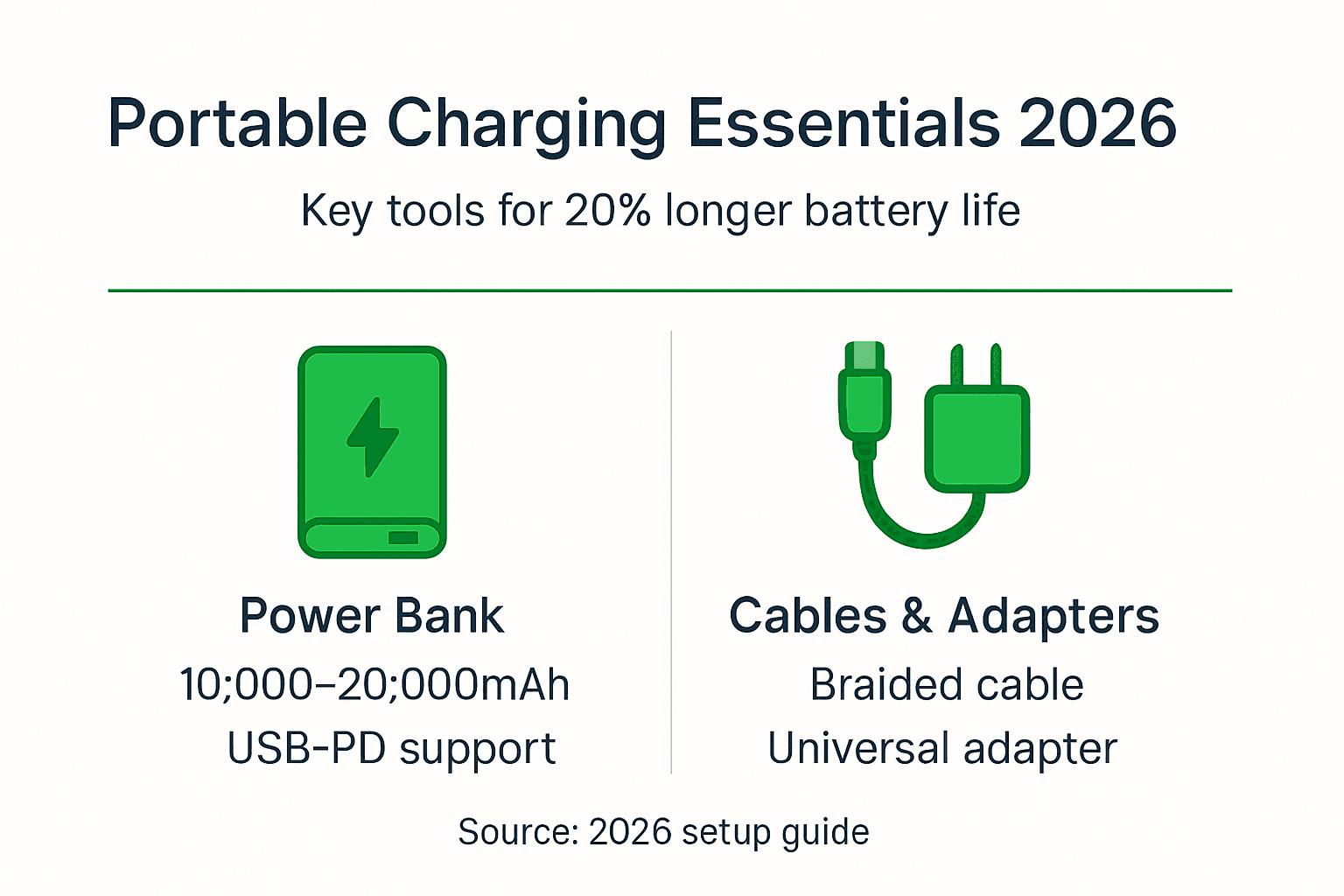
- Power bank with 10,000–20,000mAh capacity and USB-PD support
- Universal travel adapter with multiple USB ports and surge protection
- MFi-certified Lightning or USB-C cables in varying lengths
- Cable organiser or pouch to prevent tangling
- Lightweight, TSA-compliant accessories under airline battery restrictions
Certification matters more than you might think. Only MFi-certified accessories guarantee compatibility with Apple’s strict safety standards, preventing potential device damage from voltage irregularities. For foundational knowledge on portable charging basics, understanding these protocols helps you make informed choices.
Choosing the right power bank for your Apple devices
Your power bank is the heart of your charging setup. Capacity determines how many times you can recharge your devices before needing to plug into mains power.
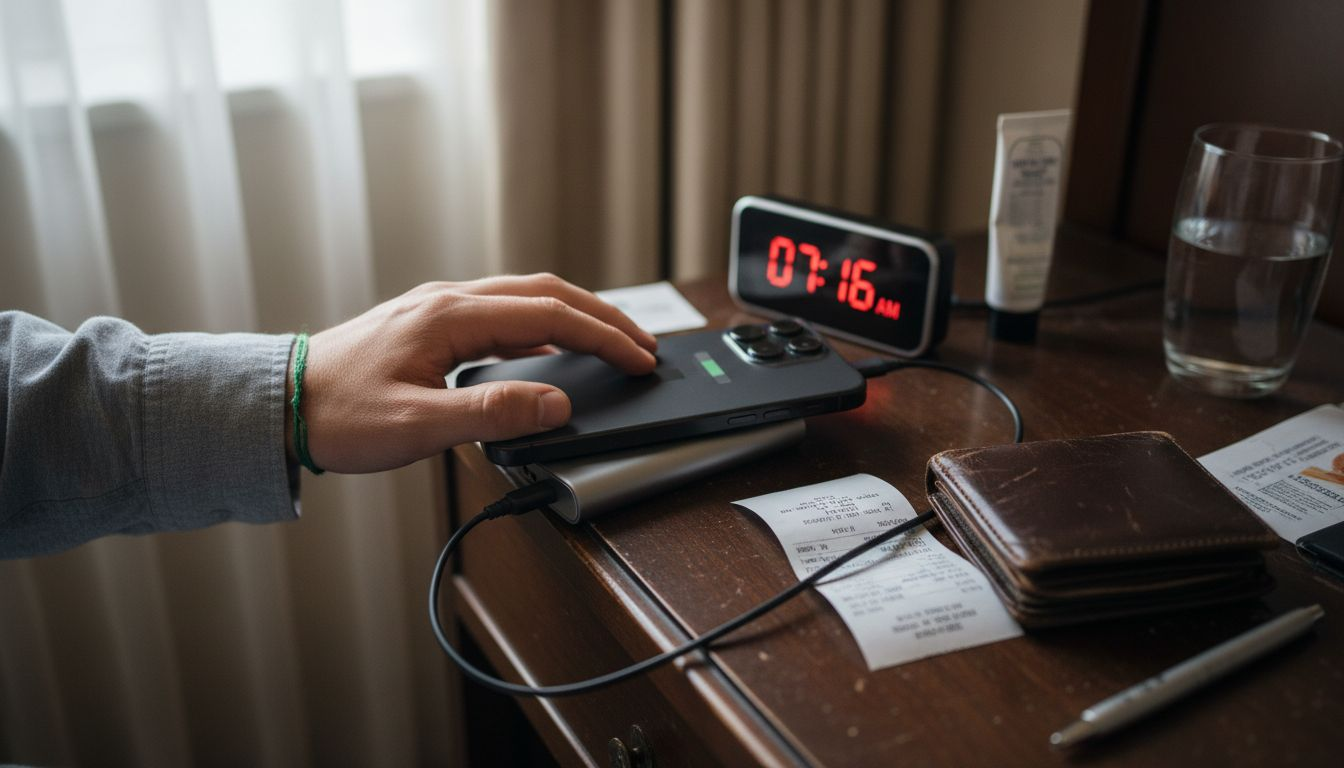
A 10,000mAh power bank provides roughly two full iPhone charges, whilst a 20,000mAh model offers four to five charges. For weekend trips, 10,000mAh suffices. Extended journeys warrant the larger capacity, though weight increases proportionally. Research shows charging times around 2 hours to full for iPhones via USB-PD when using quality power banks.
USB-PD support is non-negotiable for modern Apple devices. This fast-charging standard delivers higher wattage safely, reducing charging time by up to 50% compared to standard USB ports. Your iPhone 12 or newer can accept up to 20W via USB-PD, whilst MacBook Air models benefit from 30W or higher.
Pro Tip: Never charge your Apple devices overnight using a portable power bank. The combination of heat buildup in compact power banks and prolonged charging cycles accelerates battery degradation by up to 30%, significantly reducing your device’s lifespan over time.
When selecting your power bank, prioritise these features:
- MFi certification or explicit Apple compatibility guarantee
- Multiple output ports for simultaneous device charging
- LED indicators showing remaining battery capacity
- Compact form factor weighing under 1 pound for 10,000mAh models
- Built-in safety features including overcharge and short-circuit protection
Weight matters for travellers. Setup weight goal under 1.5 pounds for portability ensures comfort in your carry-on or day pack. Premium power banks use lithium-polymer cells that offer better energy density than older lithium-ion alternatives.
Monitoring device temperature during charging extends battery lifespan up to 20%. If your iPhone feels warm to the touch whilst charging from a power bank, remove the case to improve heat dissipation. Excessive heat damages battery chemistry permanently. Explore comprehensive reviews of Apple charging accessories and discover the best wireless chargers for added convenience. For deeper understanding of battery degradation reduction tips, proper charging habits make measurable differences.
Selecting travel adapters and multi-device chargers for global use
A quality travel adapter transforms your charging setup from functional to exceptional. When you’re managing multiple Apple devices simultaneously, multi-port adapters become indispensable.
Look for adapters offering at least three USB ports—ideally a combination of USB-A and USB-C. This configuration lets you charge your iPhone, AirPods case, and Apple Watch simultaneously without juggling cables or waiting for devices to finish charging sequentially.
Surge protection is your insurance policy against electrical spikes. Hotels and airports worldwide vary dramatically in power quality. Studies indicate surge protection reduces electrical spike damage risk by 70%, protecting your expensive Apple devices from voltage irregularities that could otherwise cause permanent damage.
Here’s how single-port and multi-port adapters compare:
| Feature | Single-port adapter | Multi-port adapter |
|---|---|---|
| Simultaneous charging | One device only | Three to five devices |
| Convenience | Low, requires device rotation | High, charge everything at once |
| Power load risk | Minimal | Moderate if overloaded |
| Portability | Excellent, very compact | Good, slightly bulkier |
| Cost | £15–25 | £35–60 |
Global compatibility means checking plug types for your destinations. A universal adapter handles US, UK, EU, and Australian outlets, eliminating the need to carry multiple adapters. Some premium models include sliding pins that adjust to different socket configurations.
Pro Tip: Always choose travel adapters with grounded three-pin plugs and auto-resetting fuses. Grounding provides an additional safety layer against electrical faults, whilst auto-resetting fuses protect your devices without requiring fuse replacement after a surge event.
Key features for tech-savvy travellers:
- Minimum 3.4A total output across all USB ports
- Surge protection rated for at least 1,200 joules
- Compact design under 300 grams
- Universal plug compatibility for 150+ countries
- LED power indicator
Understand your total power draw. If your adapter outputs 3.4A across three ports, charging three high-draw devices simultaneously may slow charging speeds. Prioritise your iPhone for the USB-C PD port whilst using USB-A ports for lower-power accessories.
Explore detailed guidance on travel adapter features, understand the travel chargers role in modern mobility, and learn about effective multi-device chargers for simultaneous power delivery.
Managing cables and accessories for maximum portability
Cables make or break your charging setup’s portability. Tangled cables waste time, damage connectors, and create frustration when you need to charge quickly.
Braided cables outlast standard rubber-coated alternatives by 3x to 5x. The textile sheath resists fraying and prevents internal wire breakage from repeated bending. Retractable cables offer even better portability, automatically coiling into a compact disc that fits easily in pockets or small pouches.
Carry cables in varying lengths to match different scenarios. A 1-metre cable works perfectly when charging from a power bank in your bag, whilst a 2-metre cable provides flexibility when outlets are distant from seating areas in airport lounges or hotel rooms.
Cable management tools prevent the dreaded cable nest. Simple velcro ties, cable clips, or dedicated travel organisers with individual compartments keep each cable accessible and undamaged. Proper organisation also speeds security screening, as you can quickly remove electronics without untangling cables.
Pro Tip: Roll cables loosely using the over-under technique borrowed from audio professionals rather than wrapping them tightly in circles. This method prevents internal wire stress and extends cable lifespan significantly, saving you from replacing damaged cables mid-trip.
Prioritise certified cables exclusively:
- MFi-certified Lightning cables for iPhones and AirPods
- USB-IF certified USB-C cables for newer devices and MacBooks
- Cables rated for your power bank’s maximum output wattage
- Spare cable for backup in case of damage or loss
Inspect cables before each trip. Fraying near connectors, exposed wires, or loose connections signal replacement time. A failing cable can deliver inconsistent power, potentially damaging device batteries or causing charging failures at critical moments.
Replace damaged cables immediately rather than risking device safety. Quality cables cost £15–25 but protect devices worth hundreds of pounds. The false economy of cheap, uncertified cables often leads to expensive repairs.
For comprehensive strategies, review portable charging tips and understand the complete portable charging workflow for efficient travel.
Step-by-step setup process for efficient charging on the go
Assembling your charging setup correctly ensures maximum efficiency and device safety. Follow this sequence for optimal results.
-
Assess your power needs by counting devices and estimating daily usage. An iPhone, AirPods, and Apple Watch typically require a combined 15,000mAh for two full charge cycles.
-
Select your USB-PD certified power bank matching your capacity requirements. Verify the power bank is fully charged before departure by checking LED indicators.
-
Connect your MFi-certified cables to appropriate power bank ports. Use USB-C ports for devices supporting fast charging, reserving USB-A ports for lower-power accessories.
-
Plug your multi-port travel adapter into the wall outlet, ensuring surge protection indicator lights confirm proper grounding and protection activation.
-
Manage cables using organisers or clips to prevent tangling. Route cables away from high-traffic areas to avoid tripping hazards or accidental disconnection.
-
Prioritise device charging based on immediate needs. Charge your iPhone first if you need navigation, then rotate to other devices as each reaches sufficient battery levels.
-
Monitor charging progress through device indicators and power bank LEDs. Most iPhones reach 50% charge in approximately 30 minutes with USB-PD, achieving full charge in around 2 hours.
Pre-planning your charging priority maximises power bank efficiency. If you’re attending a full-day conference, charge your iPhone to 80% and Apple Watch fully before leaving your hotel, reserving power bank capacity for emergency top-ups.
Keep your setup weight under 1.5 pounds by selecting compact, high-density power banks and eliminating redundant accessories. Every gram counts when you’re carrying charging gear alongside cameras, laptops, and travel essentials.
For practical implementation advice, explore proven charging setup tips that streamline your on-the-go power management.
Common mistakes and troubleshooting charging issues
Even experienced travellers make charging errors that compromise device safety or setup effectiveness. Recognising these pitfalls helps you avoid costly mistakes.
Overloading adapters beyond their rated capacity causes overheating, potential fire hazards, and adapter failure. If your adapter outputs 3.4A total but you’re drawing 5A across multiple devices, something will fail. Check your devices’ charging requirements and total them before connecting.
Uncertified cables cause numerous problems. They may deliver inconsistent voltage, charge slowly, or trigger