

How to Choose Wireless Charger for Apple Devices Easily
Finding the perfect wireless charger can feel like a tricky puzzle when juggling multiple Apple devices across busy schedules and frequent trips. With newer iPhone models supporting MagSafe charging up to 15W or even 25W for faster refuelling, compatibility and efficiency matter more than ever. This guide explores how smart charging choices save you time, simplify your routine, and keep your devices ready for any adventure no matter where in the world you travel.
Table of Contents
- Step 1: Assess Your Device Compatibility Needs
- Step 2: Compare Charging Speeds And Power Outputs
- Step 3: Evaluate Portability And Design Features
- Step 4: Check Safety Certifications And Protections
- Step 5: Test User Experience And Verify Quality
Quick Summary
| Key Point | Explanation |
|---|---|
| 1. Verify Device Compatibility | Always check your iPhone or iPad model against charging standards and power requirements for optimal performance. |
| 2. Compare Charging Speeds | Look for chargers with higher wattage ratings as they offer faster charging capabilities for newer Apple devices. |
| 3. Assess Design and Portability | Choose a charger that fits seamlessly into your lifestyle while ensuring it is lightweight and sleek for ease of use. |
| 4. Check Safety Certifications | Confirm your charger has relevant safety certifications to protect against electrical hazards and ensure reliability. |
| 5. Evaluate User Experience | Test the magnetic alignment and charging performance of the charger in real-world conditions to ensure efficiency and satisfaction. |
Step 1: Assess your Device Compatibility Needs
Understanding your device’s wireless charging capabilities is crucial for selecting the right wireless charger. Different Apple devices support varying charging standards and power levels, which means not all chargers will work seamlessly with your specific model.
To determine compatibility, you’ll want to investigate two key aspects: device charging standards and power requirements. MagSafe wireless charging technology) offers unique magnetic alignment for iPhone models, ensuring efficient power transmission. Consider these critical compatibility factors:
- Check your specific iPhone or iPad model
- Verify Qi wireless charging support
- Understand the maximum wattage your device can handle
- Confirm MagSafe compatibility for newer models
When assessing compatibility, pay attention to the specific charging capabilities of your device. Some Apple devices support fast charging through MagSafe, while others rely on standard Qi charging. Wireless power transmission standards vary significantly between device generations, so researching your exact model is essential.
Here is a comparison of key wireless charging technologies relevant to Apple devices:
| Technology | Maximum Output | Typical Use Case | Unique Feature |
|---|---|---|---|
| Qi | Up to 7.5W | Standard iPhones, AirPods | Universal compatibility |
| MagSafe | Up to 15W | Newer iPhones (12 and later) | Magnetic alignment |
| Proprietary Fast Qi | Up to 10W | Select Android devices | Brand-specific optimisation |
Pro tip: Always check your device’s specifications in the user manual or Apple’s official website to confirm exact wireless charging capabilities.
Expert advice: Keep your device’s model number handy when shopping for wireless chargers to ensure perfect compatibility.
Step 2: Compare Charging Speeds and Power Outputs
When selecting a wireless charger for your Apple device, understanding power outputs and charging speeds becomes crucial for optimal performance. Wireless charging technologies) offer varying power levels that directly impact how quickly your device replenishes its battery.
To effectively compare charging capabilities, consider these key metrics:
- Wattage rating (7.5W, 15W, or 25W)
- Magnetic alignment precision
- Device model compatibility
- Charging time requirements
Apple’s MagSafe technology provides different charging speeds depending on your specific device model. Consumer testing shows that newer iPhone models can achieve faster charging times with compatible chargers, typically ranging between 15W to 25W.
Different device generations support unique charging capabilities, so always match your charger to your specific model.
Expert recommendation: Always verify your specific iPhone model’s maximum supported wireless charging wattage to ensure optimal charging performance.
Step 3: Evaluate Portability and Design Features
Choosing a wireless charger isn’t just about power—it’s about finding a device that seamlessly integrates into your lifestyle. Wireless charging technologies) have evolved to prioritise compact, elegant designs that complement modern tech accessories.
When assessing portability and design, consider these critical elements:
- Overall device weight and dimensions
- Materials used (aluminium, plastic, silicone)
- Colour and aesthetic compatibility with your workspace
- Folding or collapsible features
- Cable length and connectivity options
The best wireless chargers combine smart engineering with minimalist design. Wireless charging innovations now focus on creating ultra-lightweight solutions that don’t compromise on performance, ensuring your charging pad is as mobile as you are.
Portability means more than just size—it’s about how effortlessly a device fits into your daily routine.
Expert recommendation: Select a wireless charger that looks like it belongs in your personal tech ecosystem, not something that stands out awkwardly.

Step 4: Check Safety Certifications and Protections
Safety should never be an afterthought when selecting a wireless charger for your valuable Apple devices. Electrical safety certifications play a crucial role in protecting your devices and personal well-being from potential electrical hazards.
When evaluating safety features, focus on these critical aspects:
- Official certification marks (UL, CE, FCC)
- Built-in temperature control mechanisms
- Overcharge protection systems
- Short-circuit prevention technology
- Foreign object detection capabilities
Wireless charging standards now incorporate sophisticated safety technologies that automatically prevent potential risks. These advanced protection systems monitor voltage, manage heat generation, and interrupt power transfer if any anomalies are detected.
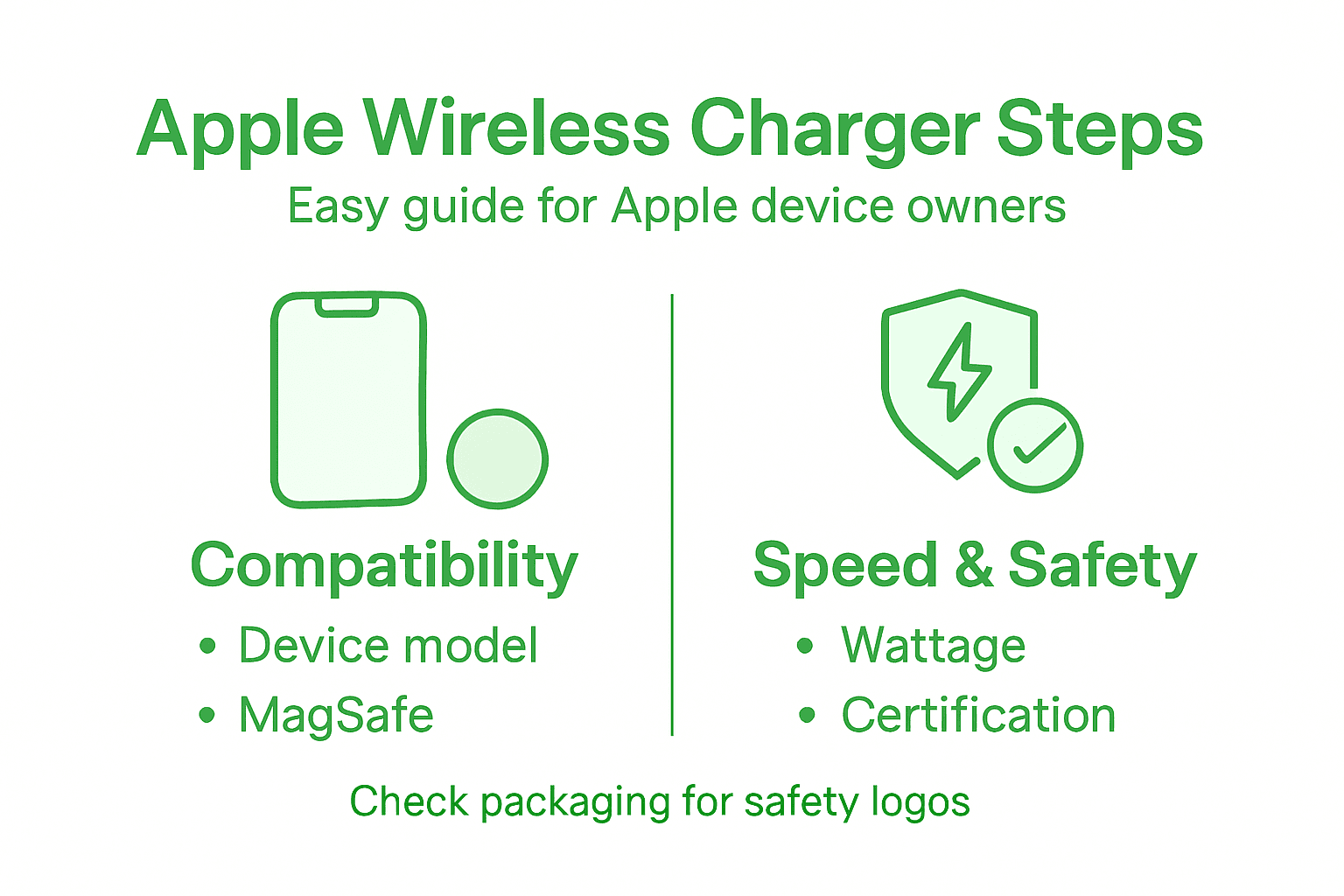
Below is a quick reference guide to essential safety and quality checks for wireless chargers:
| Checkpoint | Why It Matters | What To Look For |
|---|---|---|
| Certification logos | Ensures tested safety standards | UL, CE, FCC marks |
| Temperature control | Prevents overheating damage | Thermal sensors onboard |
| Overcharge protection | Guards against battery stress | Automatic cut-off system |
| Foreign object detection | Stops charging hazards | Detection notifications |
Safety certifications are not just bureaucratic stamps—they’re your first line of defence against potential electrical accidents.
Expert recommendation: Always verify the certification logos on the packaging and cross-reference them with official testing laboratory databases before making your purchase.
Step 5: Test User Experience and Verify Quality
Beyond technical specifications, the true measure of a wireless charger lies in its real-world performance and user-friendly design. Consumer testing reveals crucial insights into how wireless chargers actually function in daily use.
When evaluating user experience, consider these key assessment criteria:
- Magnetic alignment precision
- Charging speed consistency
- Device heating levels
- Cable quality and length
- Compatibility across different scenarios
Wireless charging standards now emphasise not just technical performance, but the overall user interaction experience. Look for chargers that offer seamless integration, minimal friction during setup, and reliable performance across various environments.
A great wireless charger should feel like an extension of your device, not an additional complexity.
Expert recommendation: Request a demonstration or short trial period to personally verify the charger’s real-world performance before making your final purchase decision.
Discover the Perfect Wireless Charger for Your Apple Devices Today
Choosing the right wireless charger can feel overwhelming with all the technical details like MagSafe compatibility, charging speeds, and safety certifications. If you want to avoid compatibility issues, protect your valuable devices, and enjoy fast, reliable charging every time, look no further. At Charg-R.co, we specialise in offering premium, innovative wireless chargers designed specifically with Apple devices in mind. Our products combine slim design, fast charging capabilities, and advanced safety features to provide a seamless charging experience that fits effortlessly into your lifestyle.
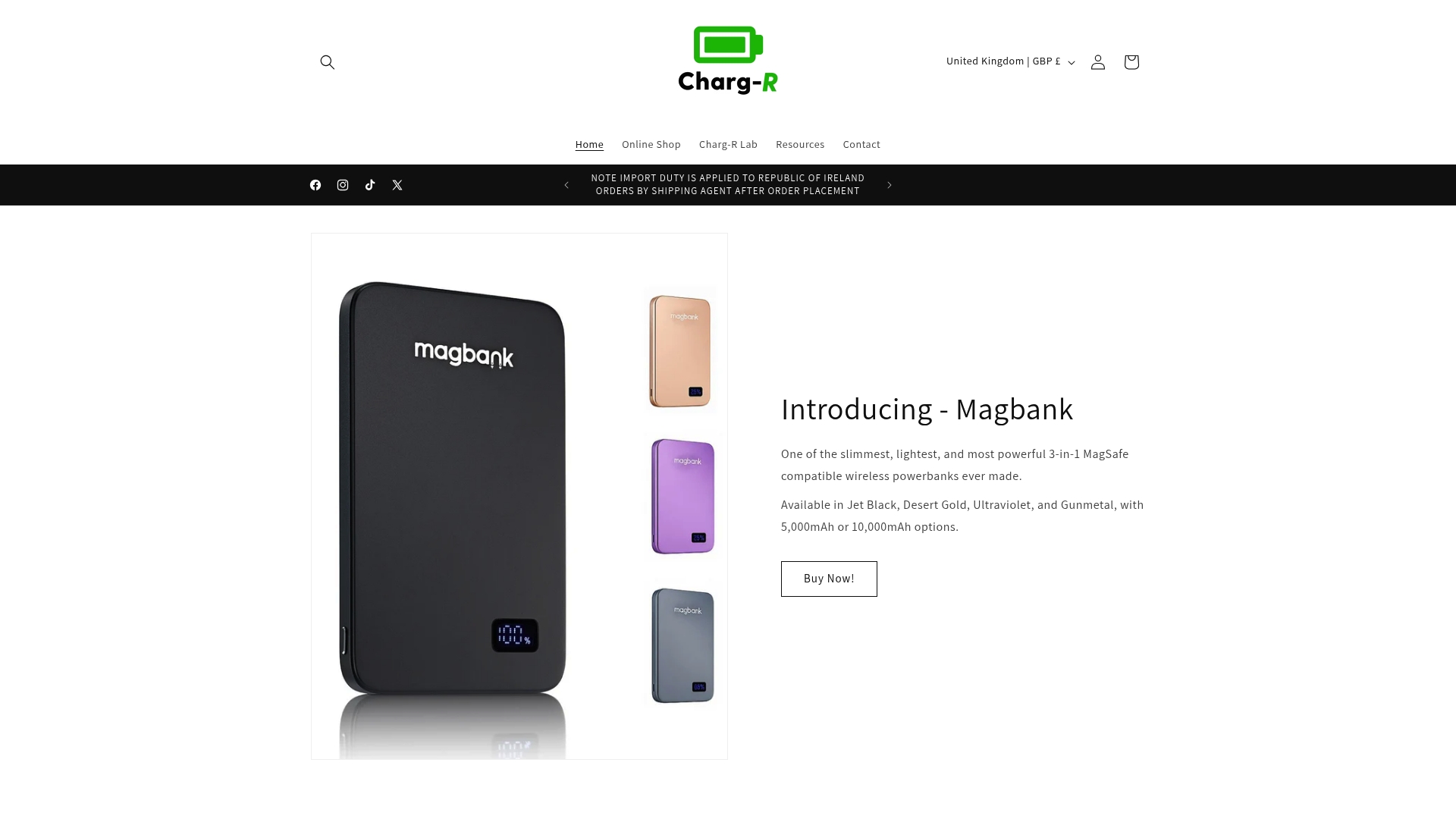
Ready to upgrade your charging routine? Explore our selection of lightweight and multifunctional wireless chargers that guarantee optimal magnetic alignment and power output for your iPhone or iPad. Don’t compromise on safety or speed. Visit Charg-R.co now and find the ideal wireless charging solution engineered for your device’s precise needs. Make the smart choice for convenience and performance today.
Frequently Asked Questions
How do I check if my Apple device supports wireless charging?
To check if your Apple device supports wireless charging, refer to the specifications in your user manual or visit Apple’s official website. Verify whether your model supports Qi or MagSafe wireless charging, as this determines the compatibility with wireless chargers.
What is the maximum charging speed my Apple device can handle?
The maximum charging speed for your Apple device varies by model. Identify your device’s maximum supported wattage, which could be up to 15W for MagSafe-compatible models or 7.5W for standard Qi devices, and choose a charger that matches this capacity.
How can I ensure the safety of my wireless charger?
To ensure the safety of your wireless charger, look for certification marks like UL, CE, or FCC on the packaging. These certifications indicate that the charger has undergone safety testing and meets essential electrical safety standards.
What features should I consider for a portable wireless charger?
When looking for a portable wireless charger, consider its weight, size, and design. Select a charger that is lightweight and compact, ensuring it seamlessly fits into your daily routine without compromising performance.
How do I evaluate the user experience of a wireless charger?
To evaluate the user experience of a wireless charger, check for features like magnetic alignment, charging speed consistency, and device heating levels. Request a demonstration or trial to ensure the charger functions effectively in real-world settings before making a decision.
What should I do if my device doesn’t charge wirelessly?
If your device doesn’t charge wirelessly, first ensure that it is compatible with the charger you are using. Then, check for any obstructions between your device and the charger, such as a case that may interfere with the connection, and try repositioning your device on the pad.